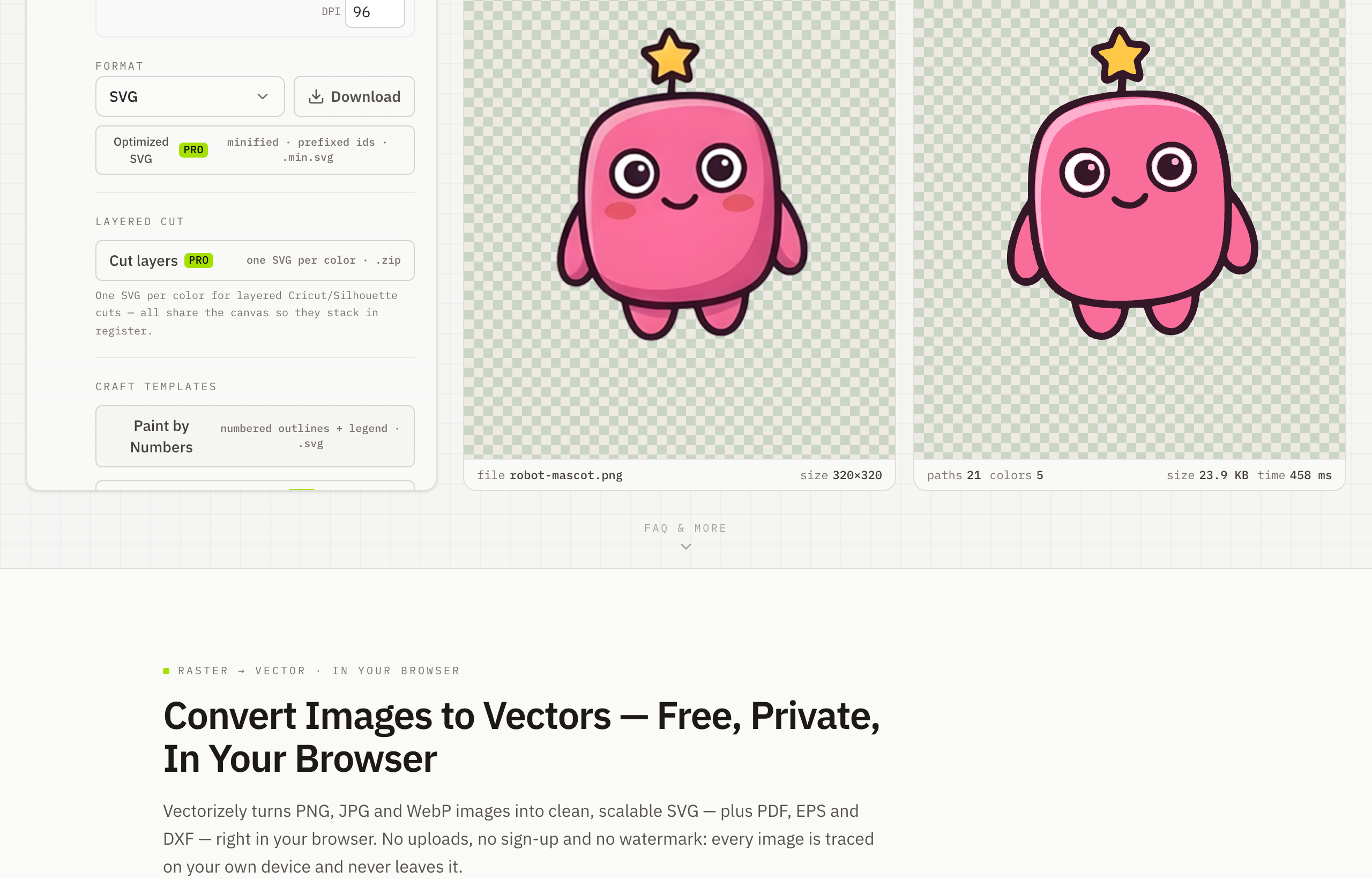
Convert Images to DXF for CNC & Laser Cutting
To turn an image into a DXF, trace your PNG or JPG in Vectorizely and export a clean DXF at true millimetre size for CNC, laser cutting and CAD — tracing is free in your browser, DXF export is a Pro feature.
Convert images to DXF for CNC routers, laser cutters and CAD. Vectorizely turns PNG and JPG artwork into clean DXF outlines ready for fabrication — trace and preview free, export DXF with Pro.
- Export DXF at true millimetre size for CNC, laser and plotter workflows (Pro).
- Control detail and minimum feature size for clean toolpaths.
- Processed locally in your browser — no uploads, fully private.
- Trace and preview free; no watermark, no sign-up.
How to use Vectorizely
- Open Vectorizely in your browser — there's nothing to install.
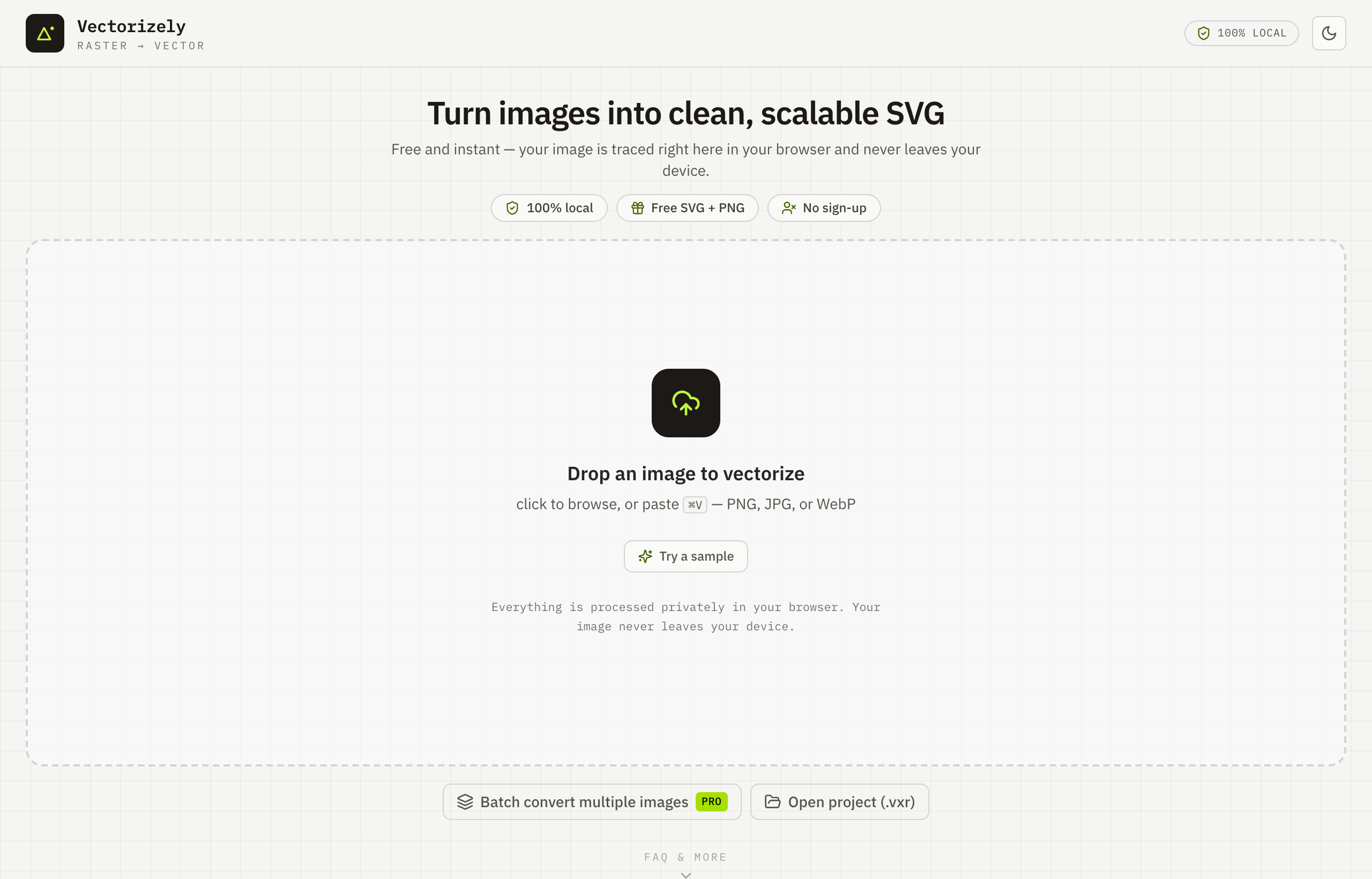
- Drop in your PNG or JPG artwork.
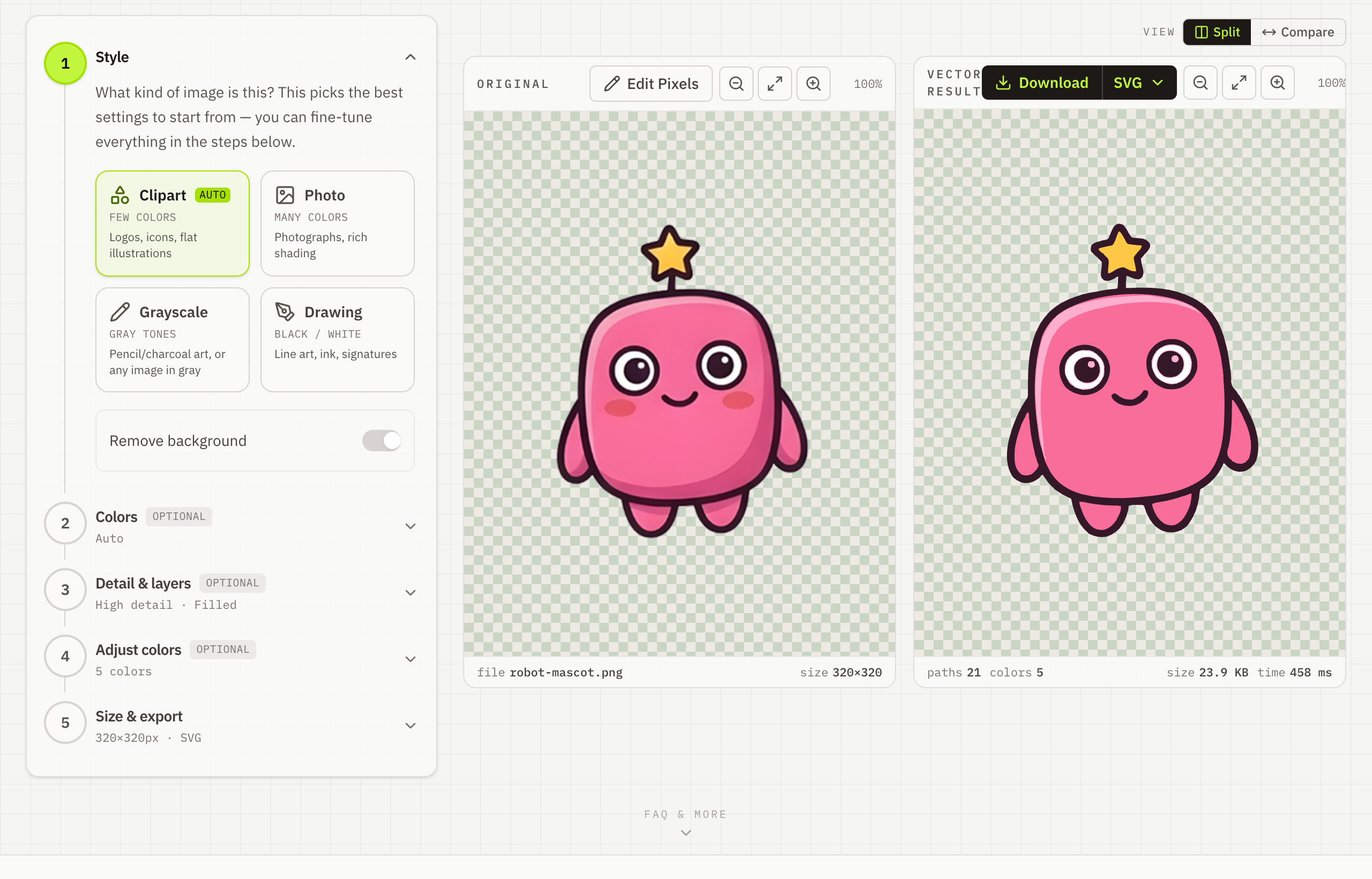
- Set the detail and minimum feature size for clean toolpaths.
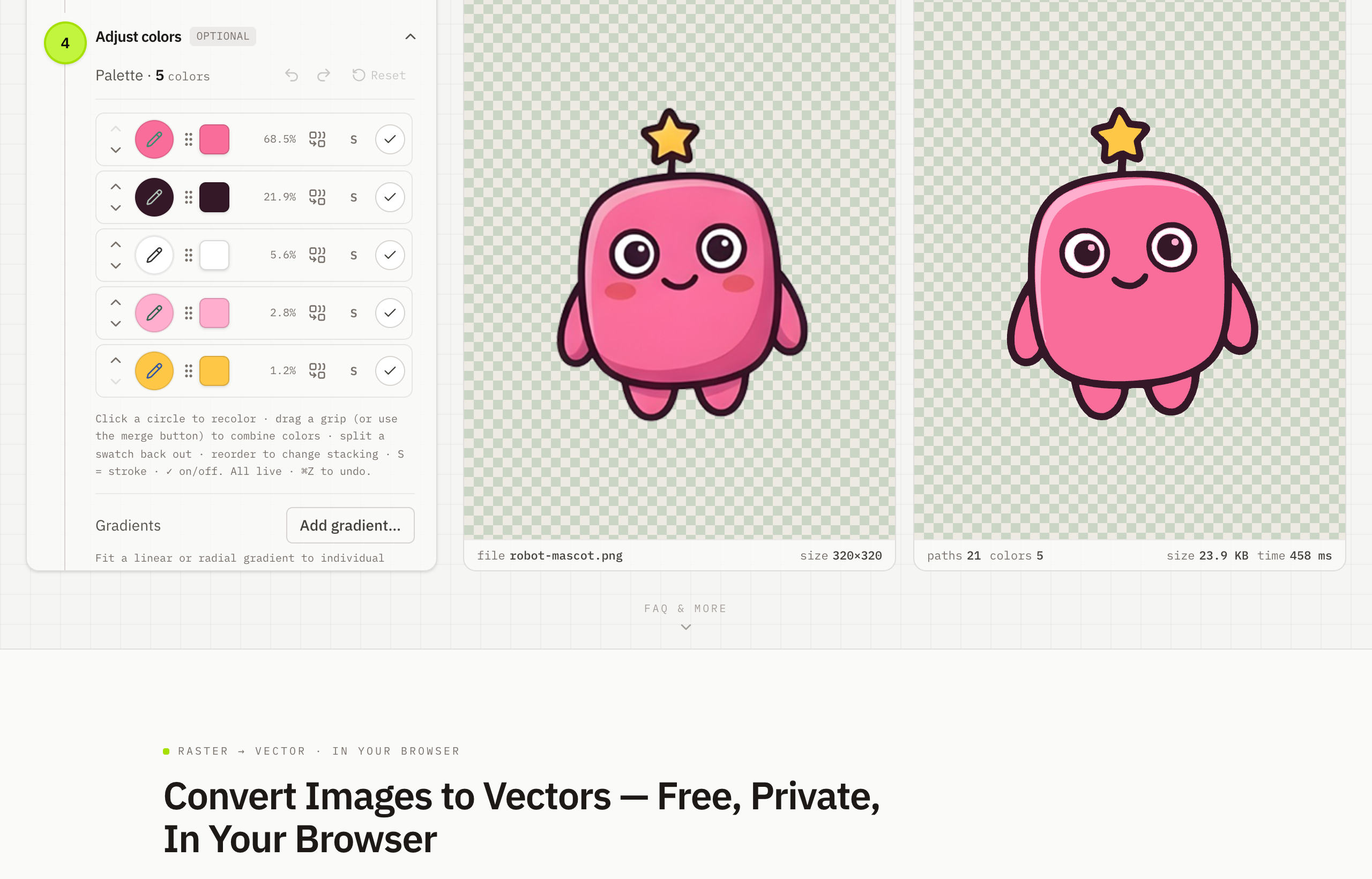
- Export a DXF at true millimetre size with Pro — tracing and preview are free.