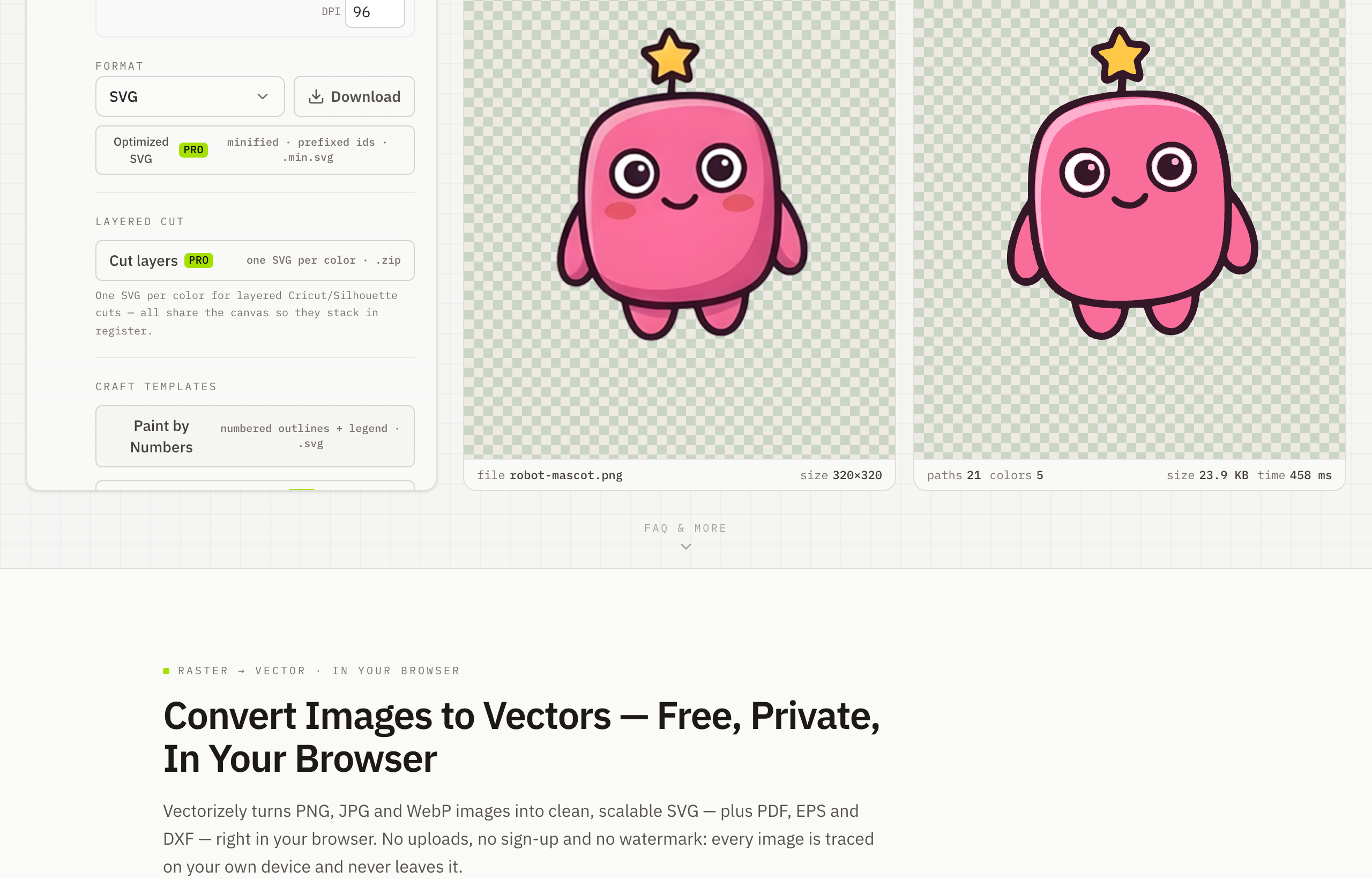
Convert a Logo to Vector — Free and Private
To convert a logo to vector, drop your PNG or JPG logo into Vectorizely and it redraws it as a clean SVG that stays crisp from a business card to a billboard — free and processed entirely on your device.
A pixel logo blurs the instant you scale it up. Vectorizely redraws your raster logo as sharp vector paths, so the same file works for print, signage, embroidery and the web without ever going fuzzy.
- Rescue a low-resolution logo into clean, infinitely scalable artwork.
- Snap to a tight brand palette for flat, print-ready color.
- Export SVG free for the web; PDF, EPS and DXF for print and cutting with Pro.
- Brand assets stay on your machine — nothing is uploaded.
How to use Vectorizely
- Open Vectorizely in your browser — there's nothing to install.
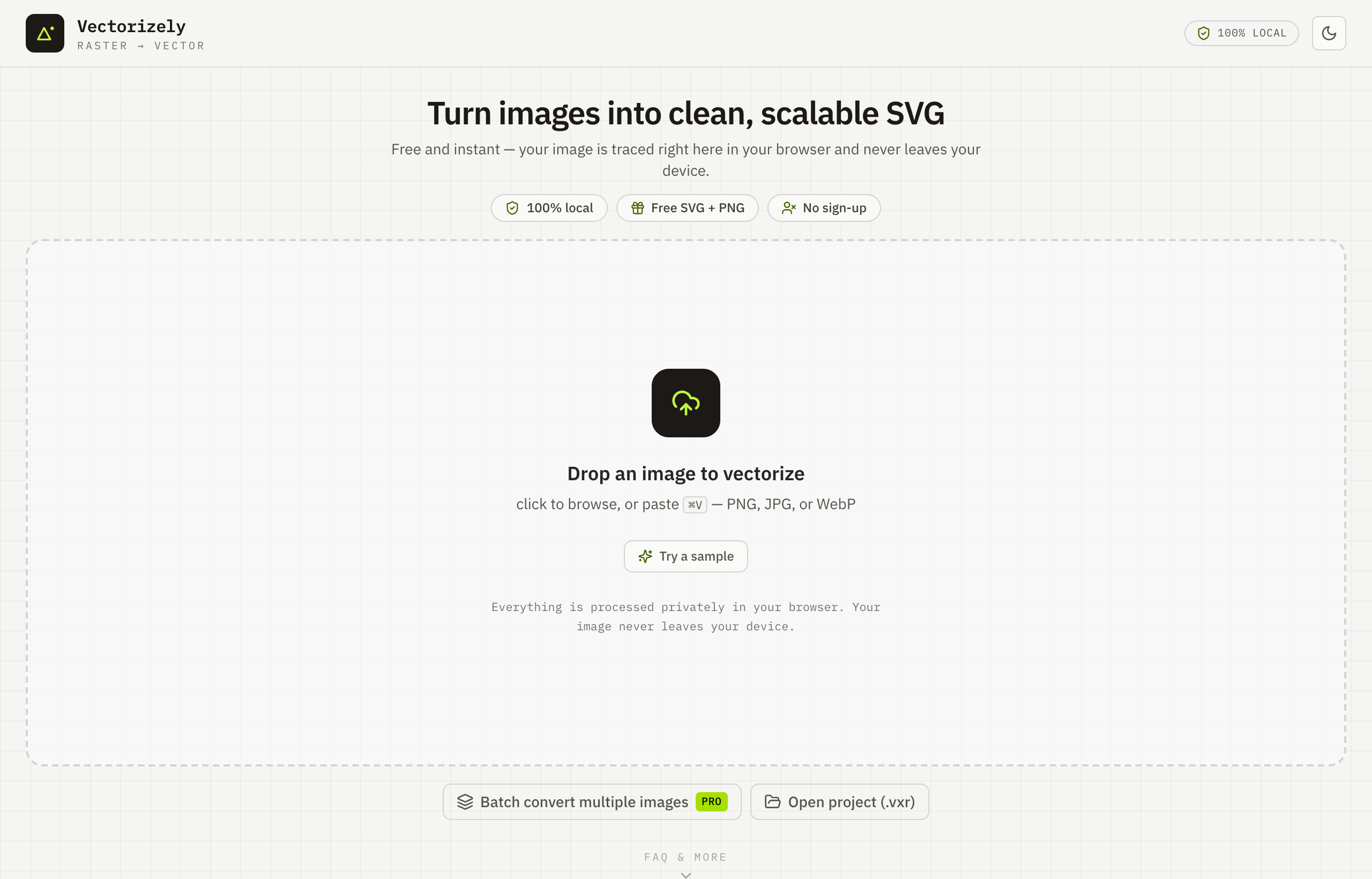
- Drop in your PNG or JPG logo.
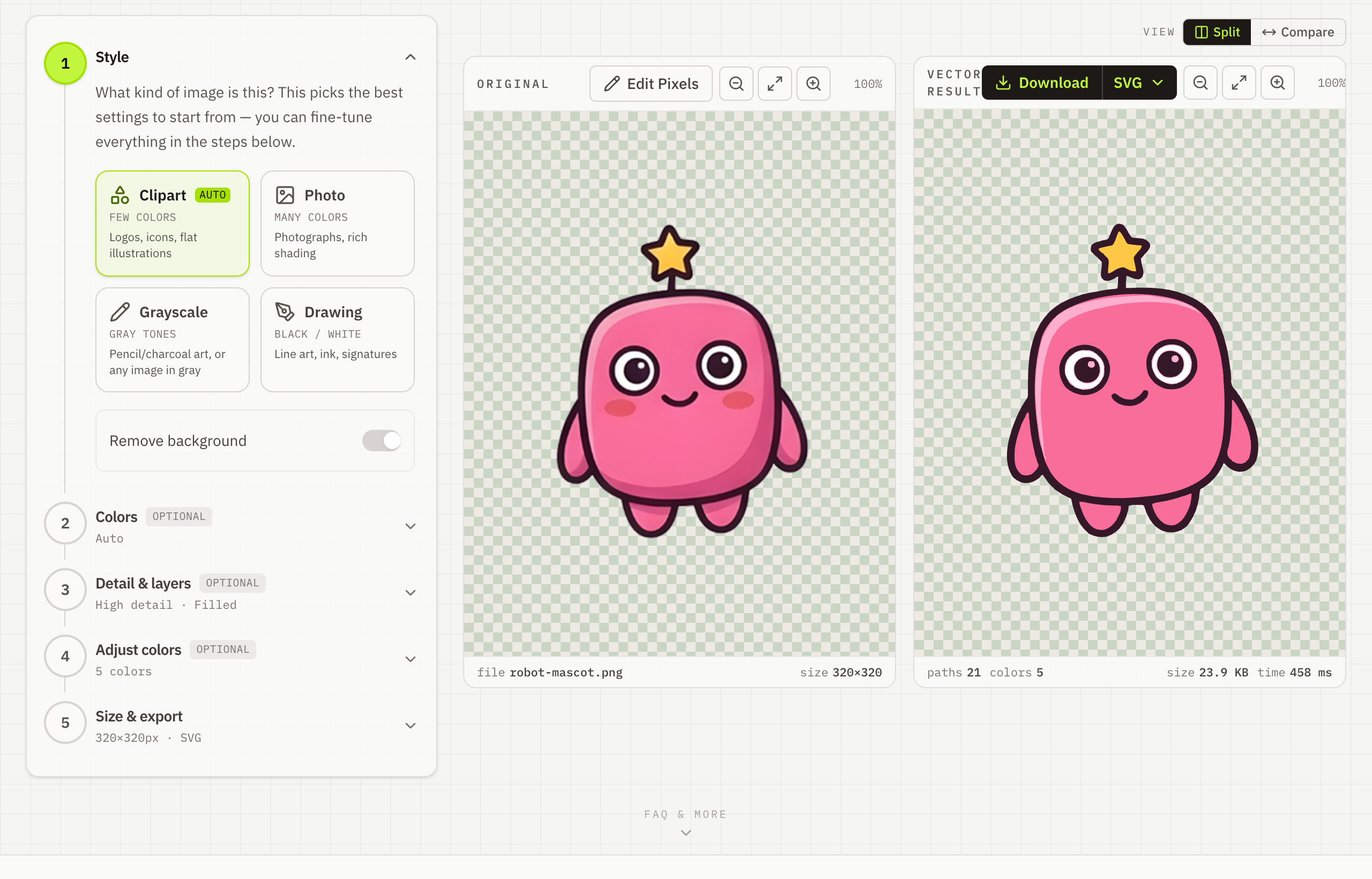
- Snap to a tight brand palette and fine-tune the detail.
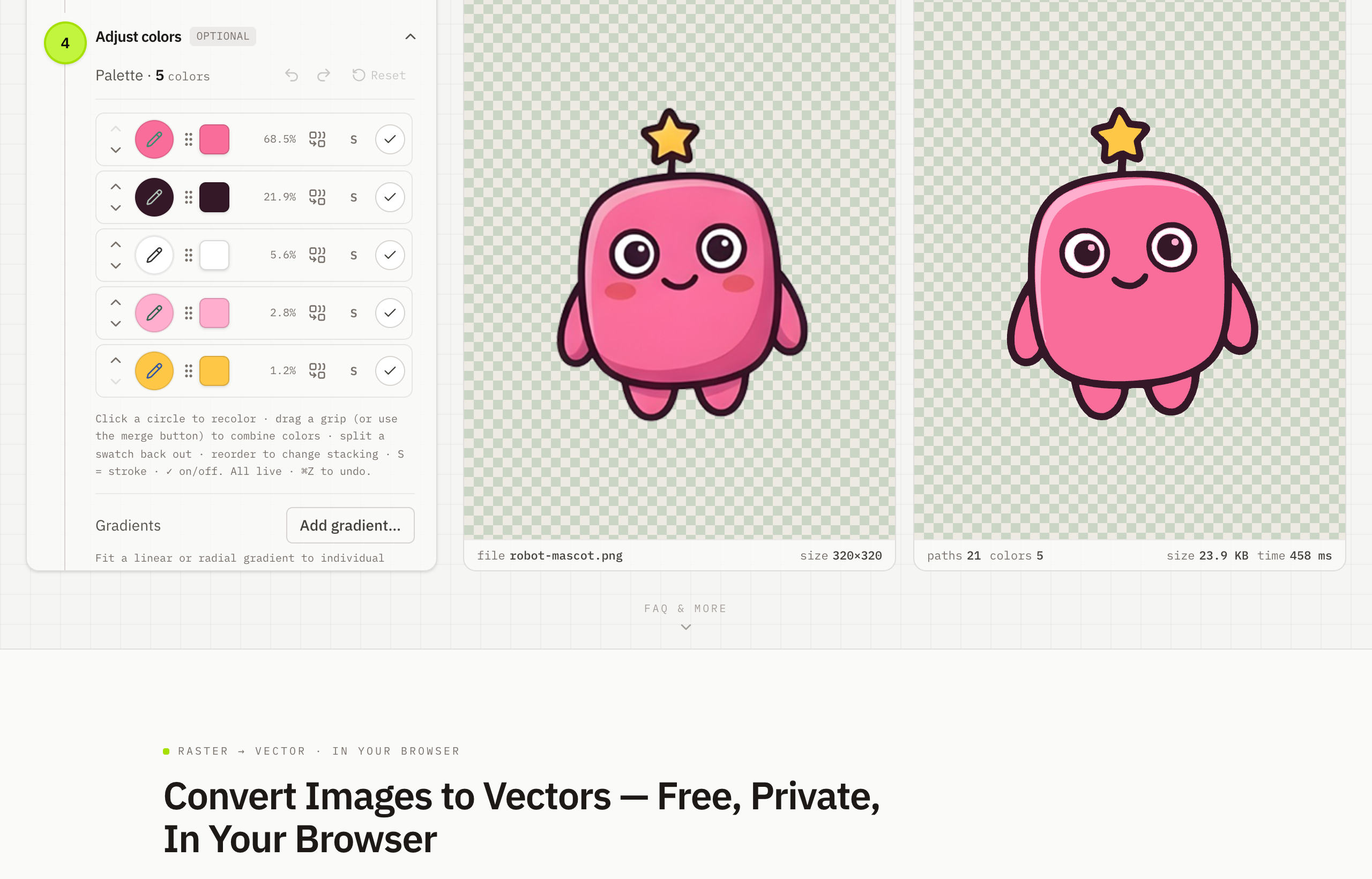
- Download crisp vector SVG for free — PDF, EPS or DXF with Pro.