Turn a Photo Into a Paint-by-Numbers Template
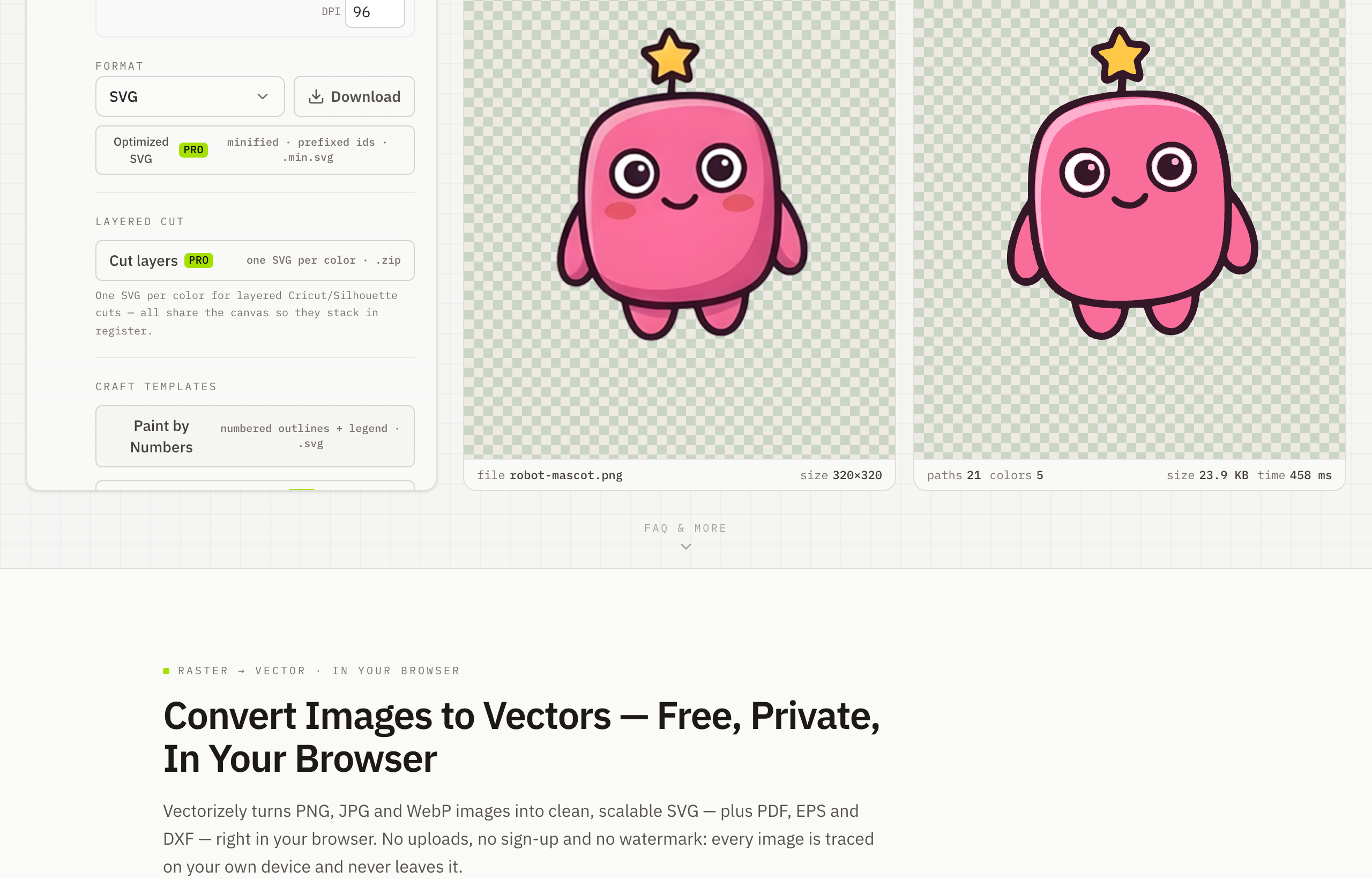
To create a paint-by-numbers template, upload a photo to Vectorizely and it splits the image into flat, numbered color regions you can print and paint — free in your browser, with no uploads.
Create a paint-by-numbers template from any photo. Vectorizely splits your image into flat, numbered color regions you can print and paint.
- Convert a photo into clean, numbered color regions.
- Export the numbered template as SVG free — or a print-ready PDF with Pro.
- Everything runs locally in your browser — fully private.
- Free, with no watermark or sign-up.
How to use Vectorizely
- Open Vectorizely in your browser — there's nothing to install.
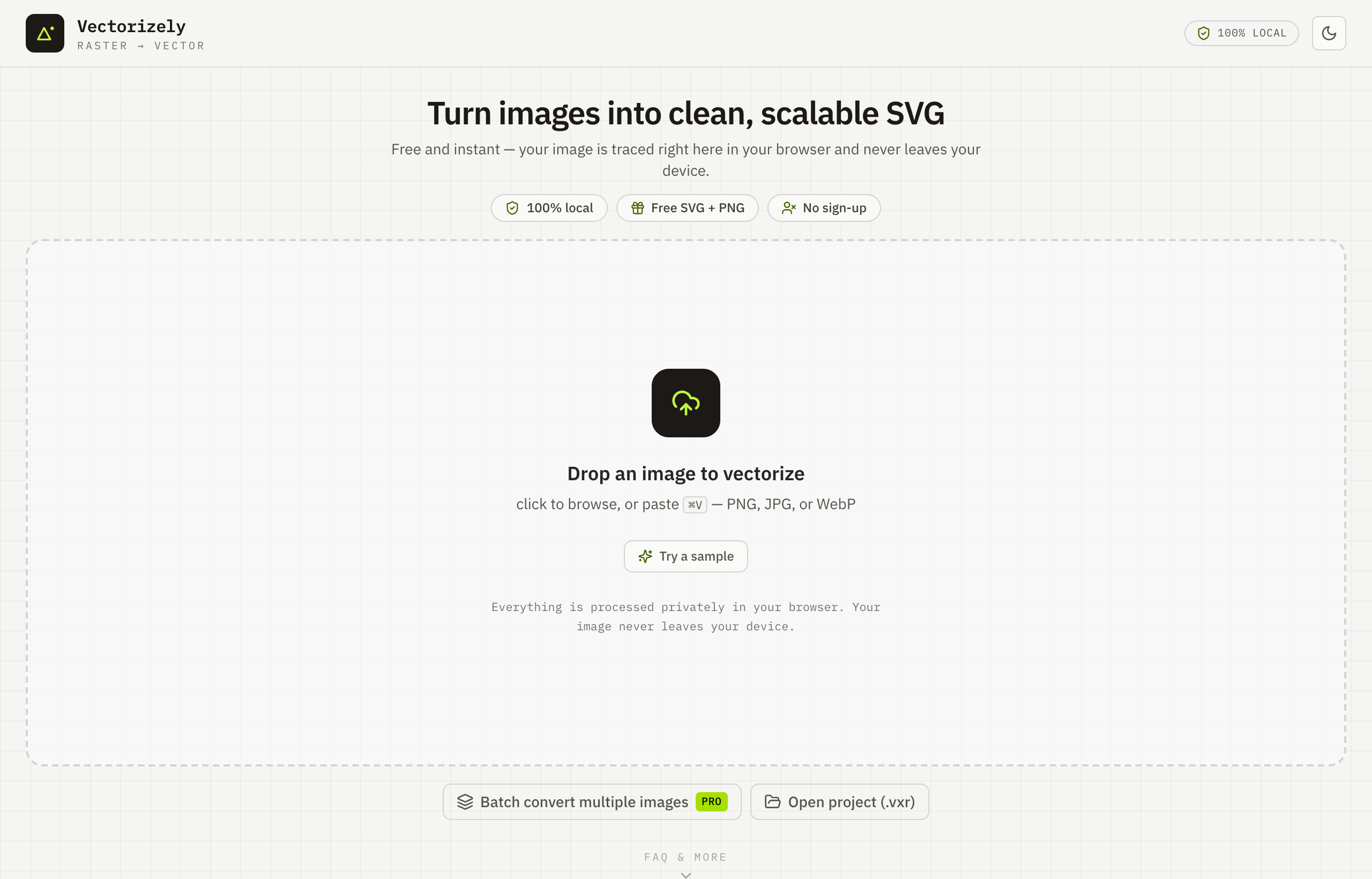
- Upload your photo.
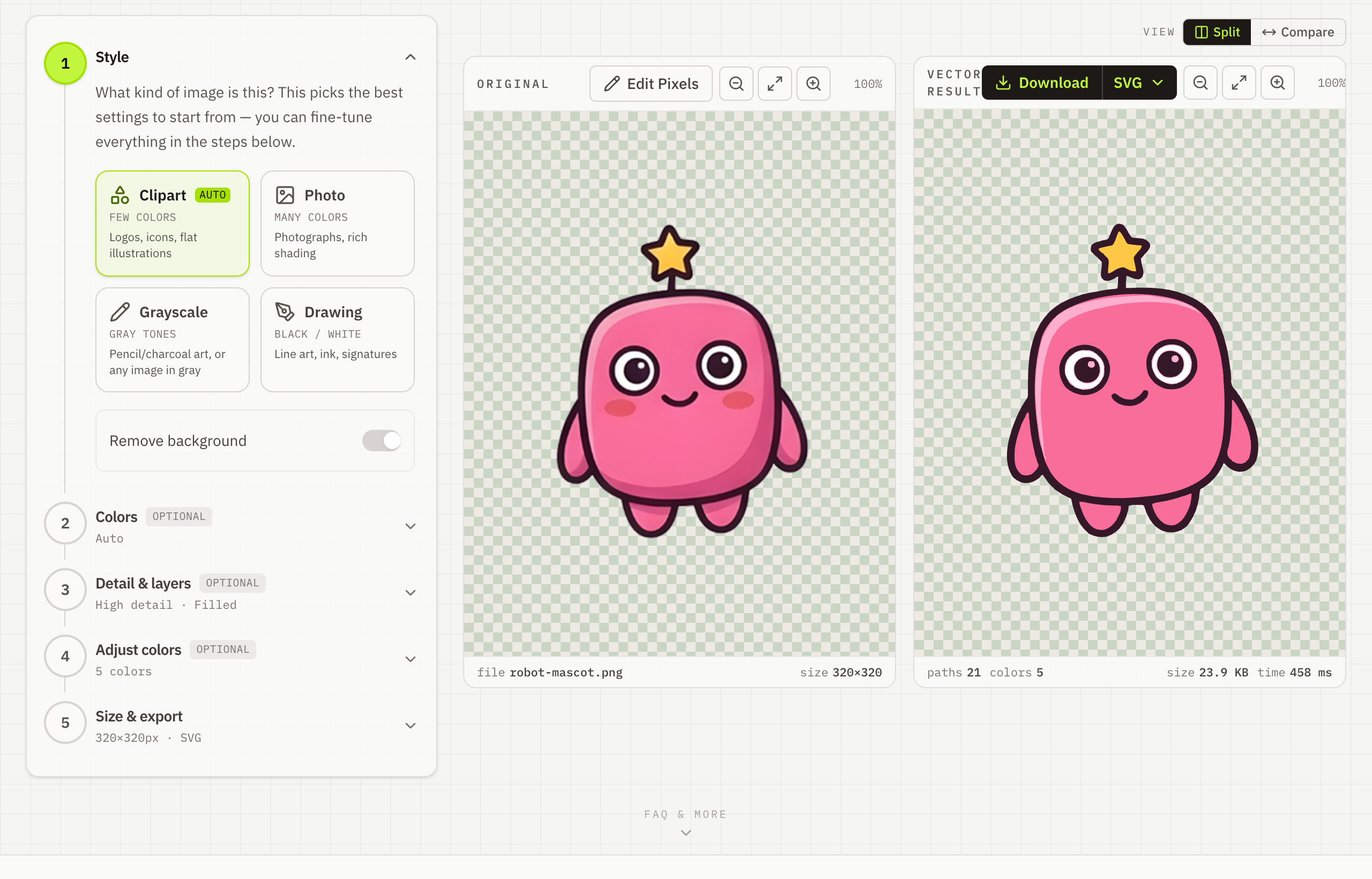
- Split it into flat, numbered color regions.
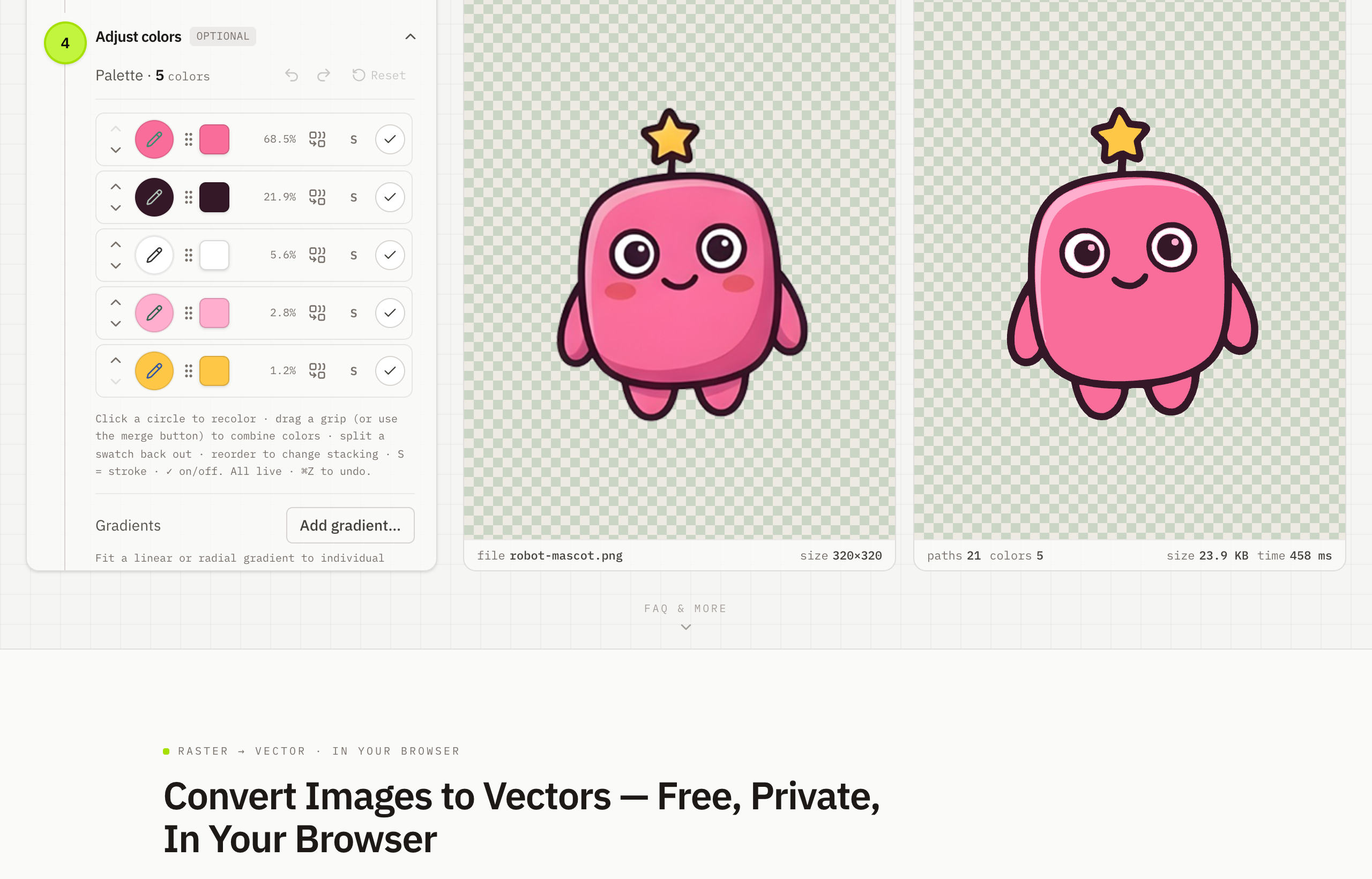
- Download the numbered template as SVG for free — PDF with Pro.