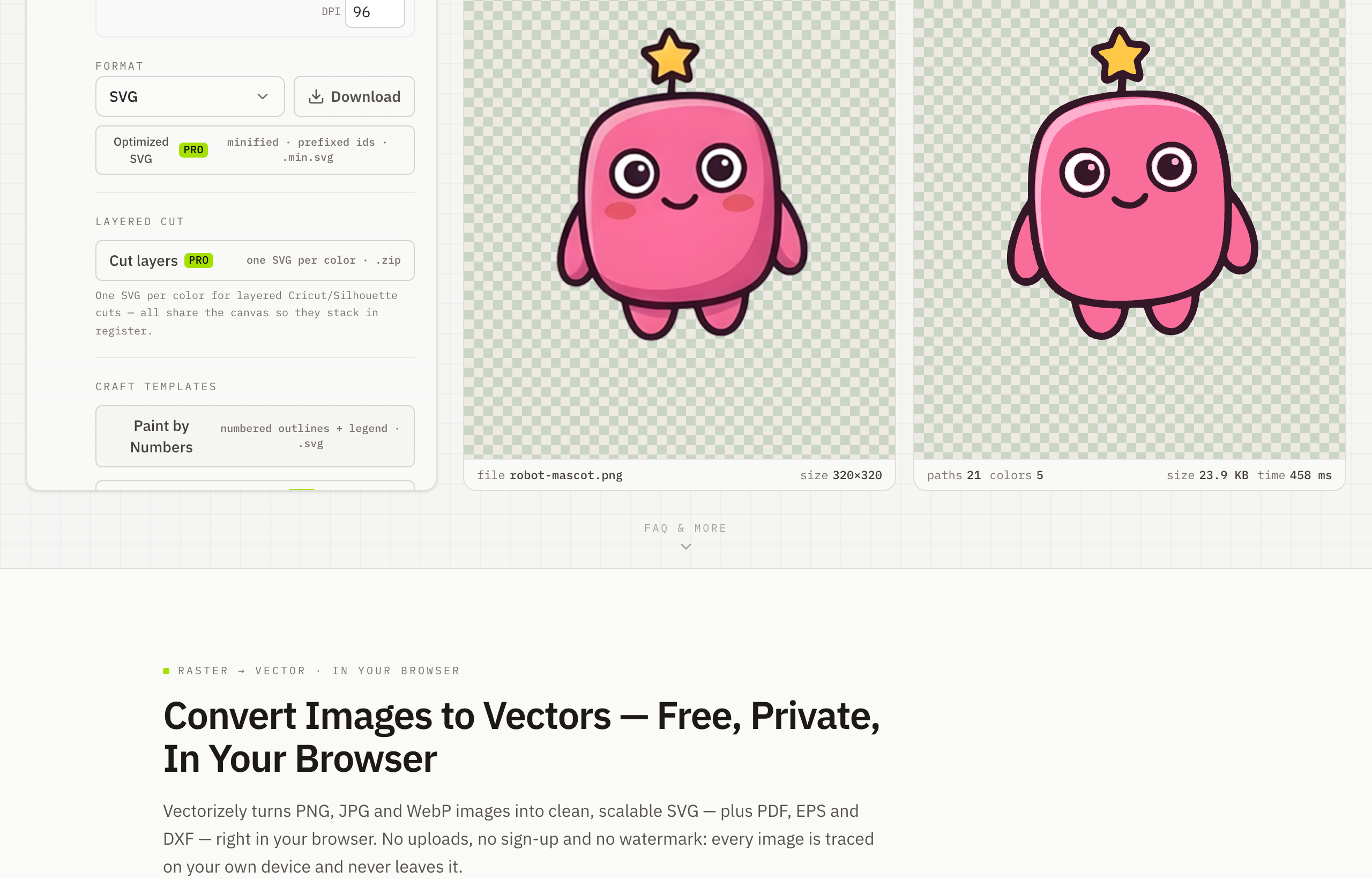
Convert WebP to SVG — Free, In Your Browser
To convert WebP to SVG, drop your .webp file into Vectorizely and it traces the image into a sharp, scalable vector — transparency kept intact — downloaded free with nothing sent to a server.
WebP keeps web images tiny, but it is still a pixel format that breaks up when enlarged. Vectorizely traces your WebP into clean vector paths that scale to any size, and it handles transparent WebP too.
- Convert standard or transparent WebP straight to scalable SVG.
- Ideal for graphics and icons saved from the web that you need larger.
- Adjust detail and palette before export for lightweight, tidy SVG.
- Entirely in-browser — free SVG and PNG, no watermark, no account.
How to use Vectorizely
- Open Vectorizely in your browser — there's nothing to install.
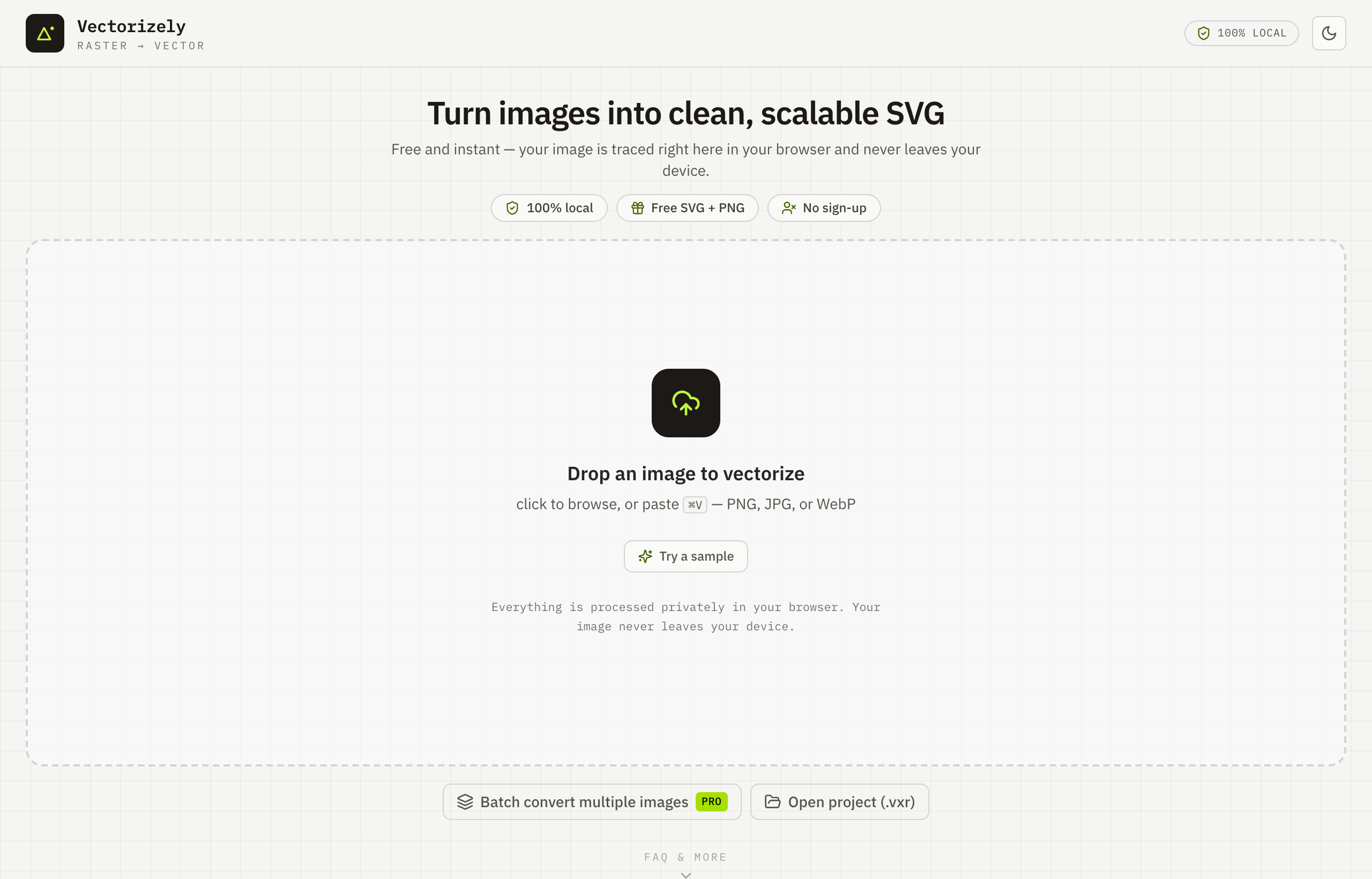
- Drop in your .webp file — transparency is preserved.
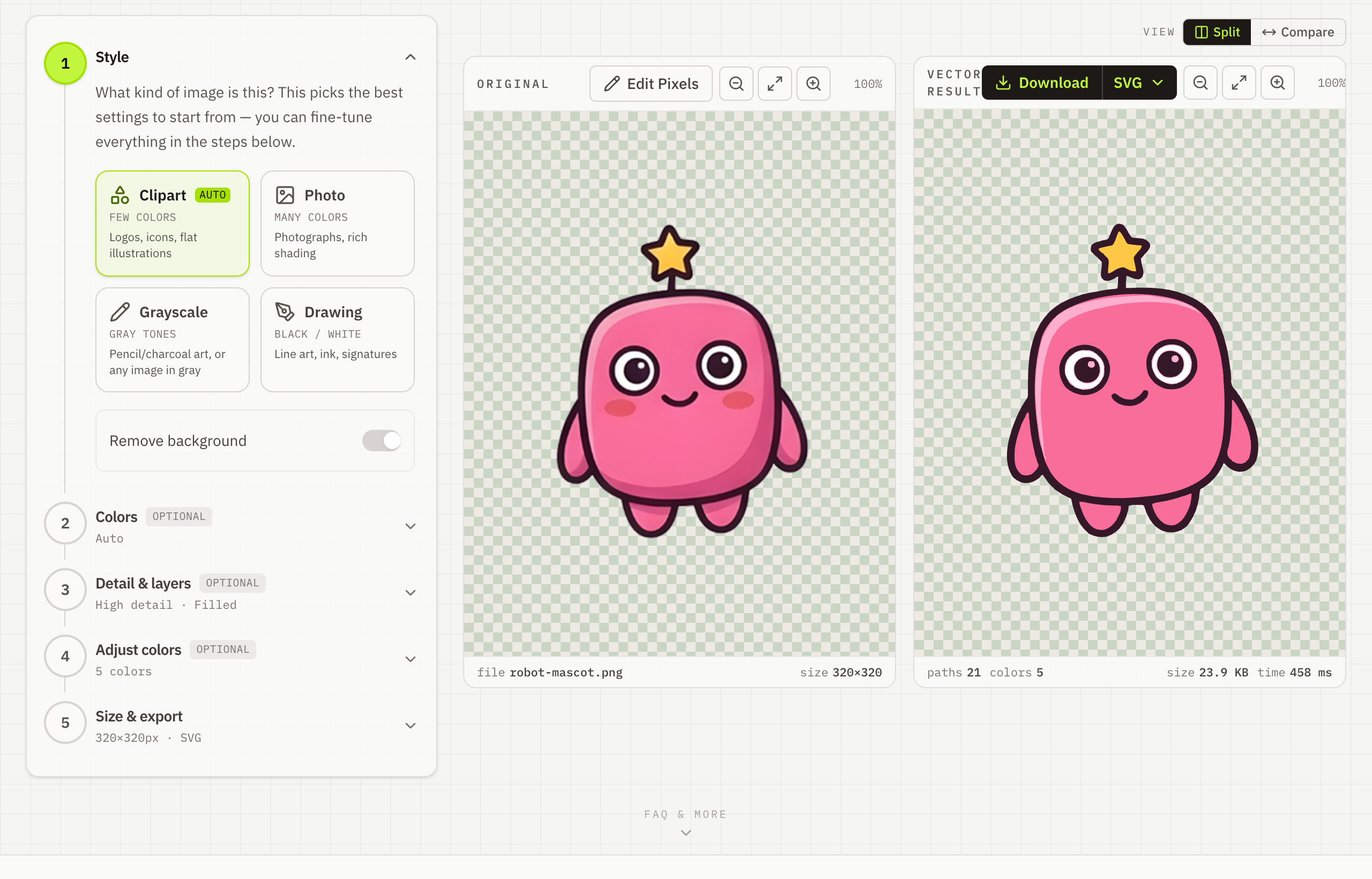
- Tune detail and palette for a lightweight result.
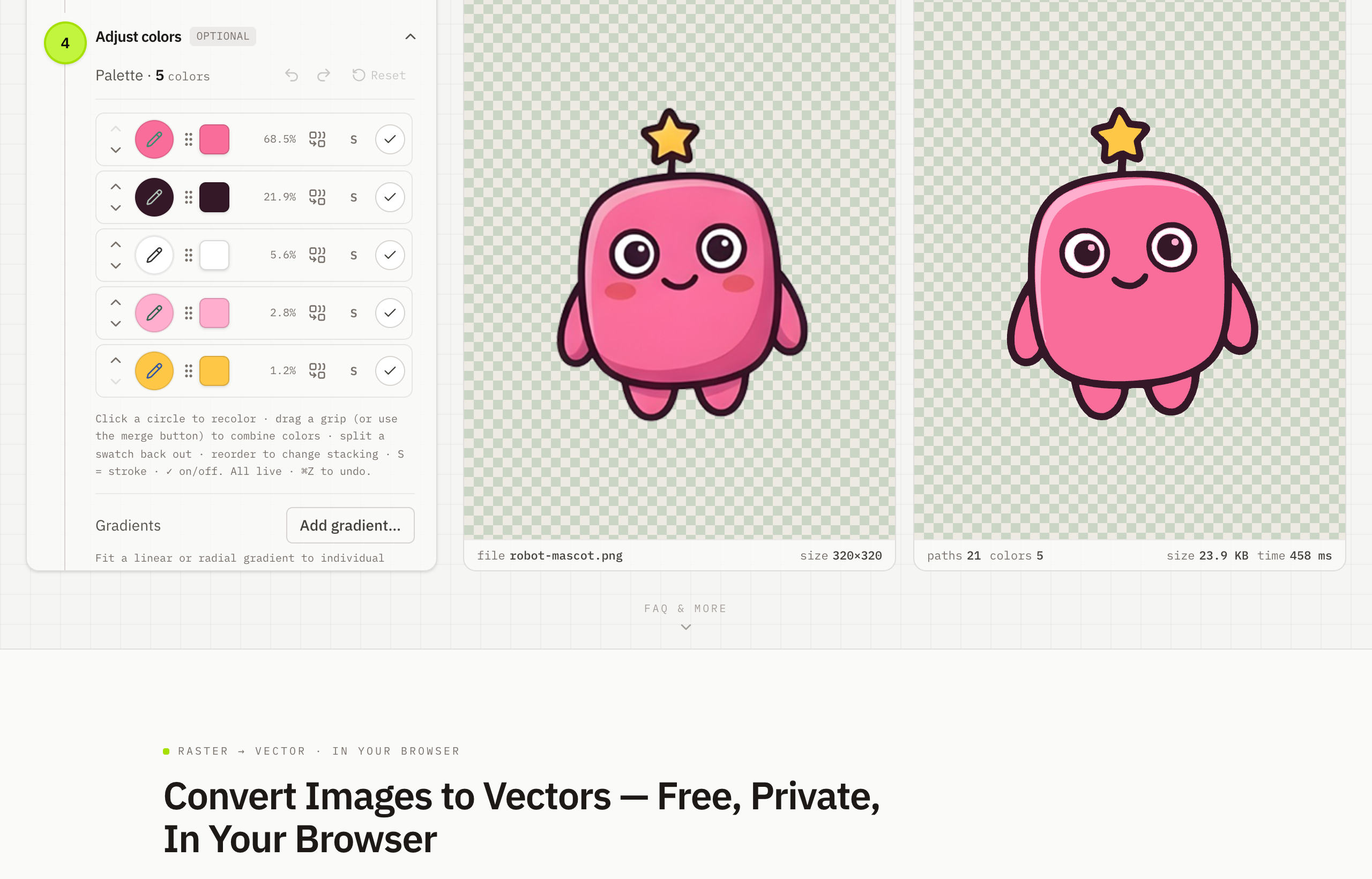
- Download your scalable SVG for free.