Convert Any Image to SVG — Free, In Your Browser
To turn an image into SVG, drop any raster file — a PNG, JPG or WebP — into Vectorizely and it redraws the picture as editable, infinitely scalable vector paths you can download free, with everything processed locally.
Whatever raster format your artwork arrives in, Vectorizely turns it into SVG. It rebuilds pixels as smooth vector paths that stay razor-sharp at any size — equally at home with flat logos, detailed illustrations and icons.
- One vectorizer for your raster art — PNG, JPG, JPEG and WebP all welcome.
- Dial in color count, detail and smoothing to suit clean marks or busy artwork.
- Runs locally in your browser; your artwork is never sent to a server.
- SVG and PNG export are free forever — PDF, EPS and DXF come with Pro.
How to use Vectorizely
- Open Vectorizely in your browser — there's nothing to install.
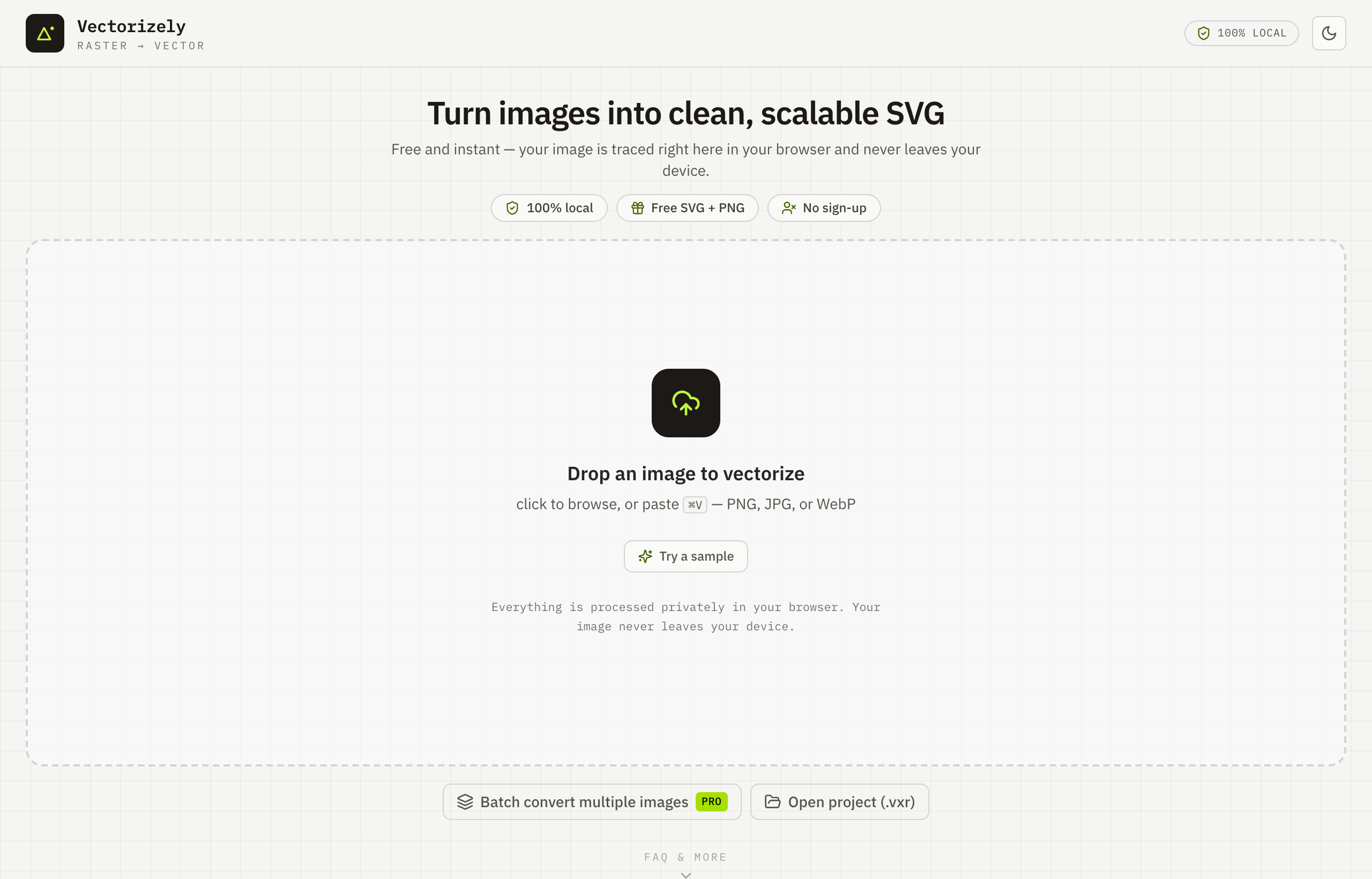
- Drop in any raster image — a PNG, JPG or WebP.
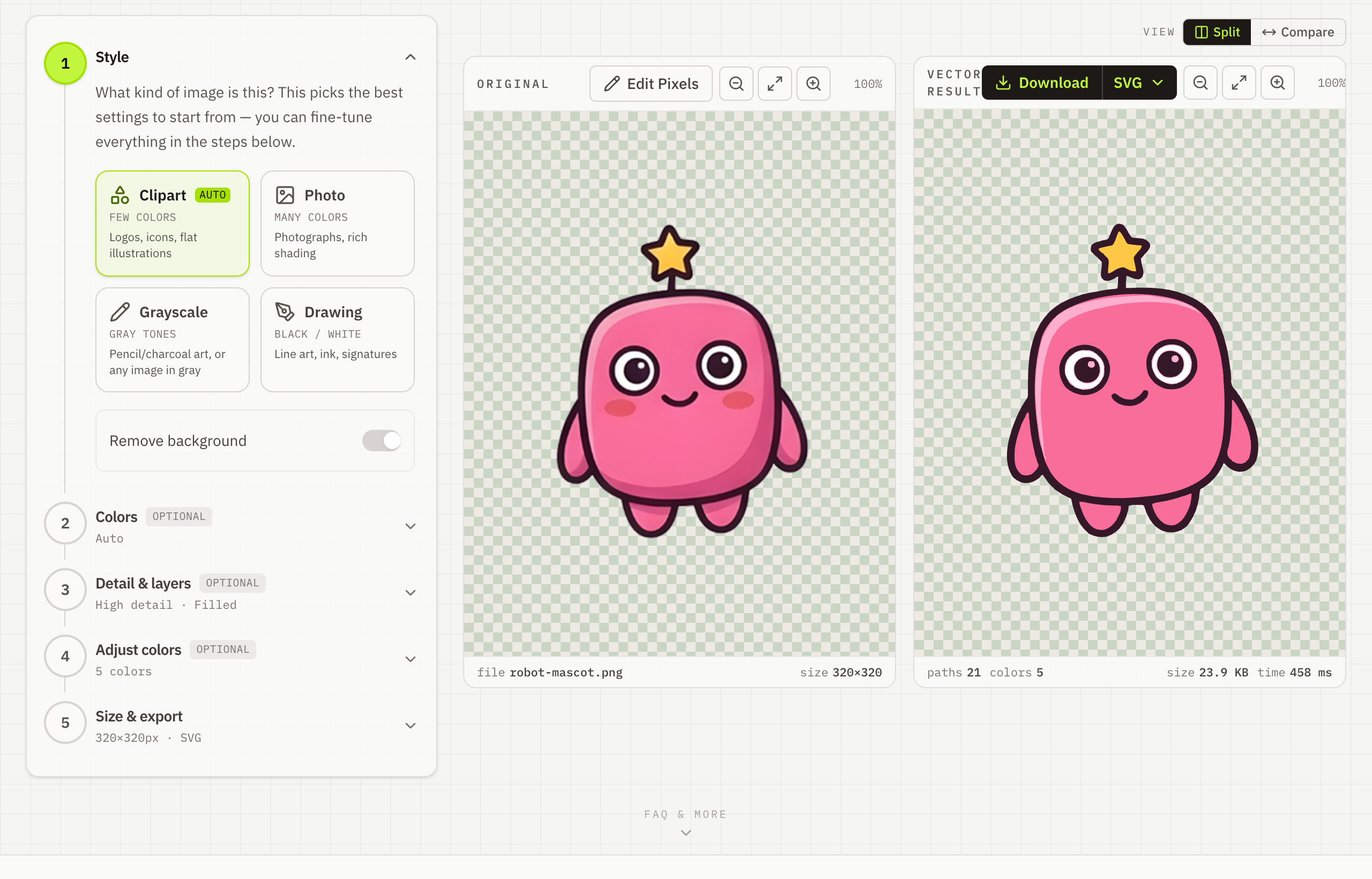
- Adjust color count, detail and smoothing to suit your artwork.
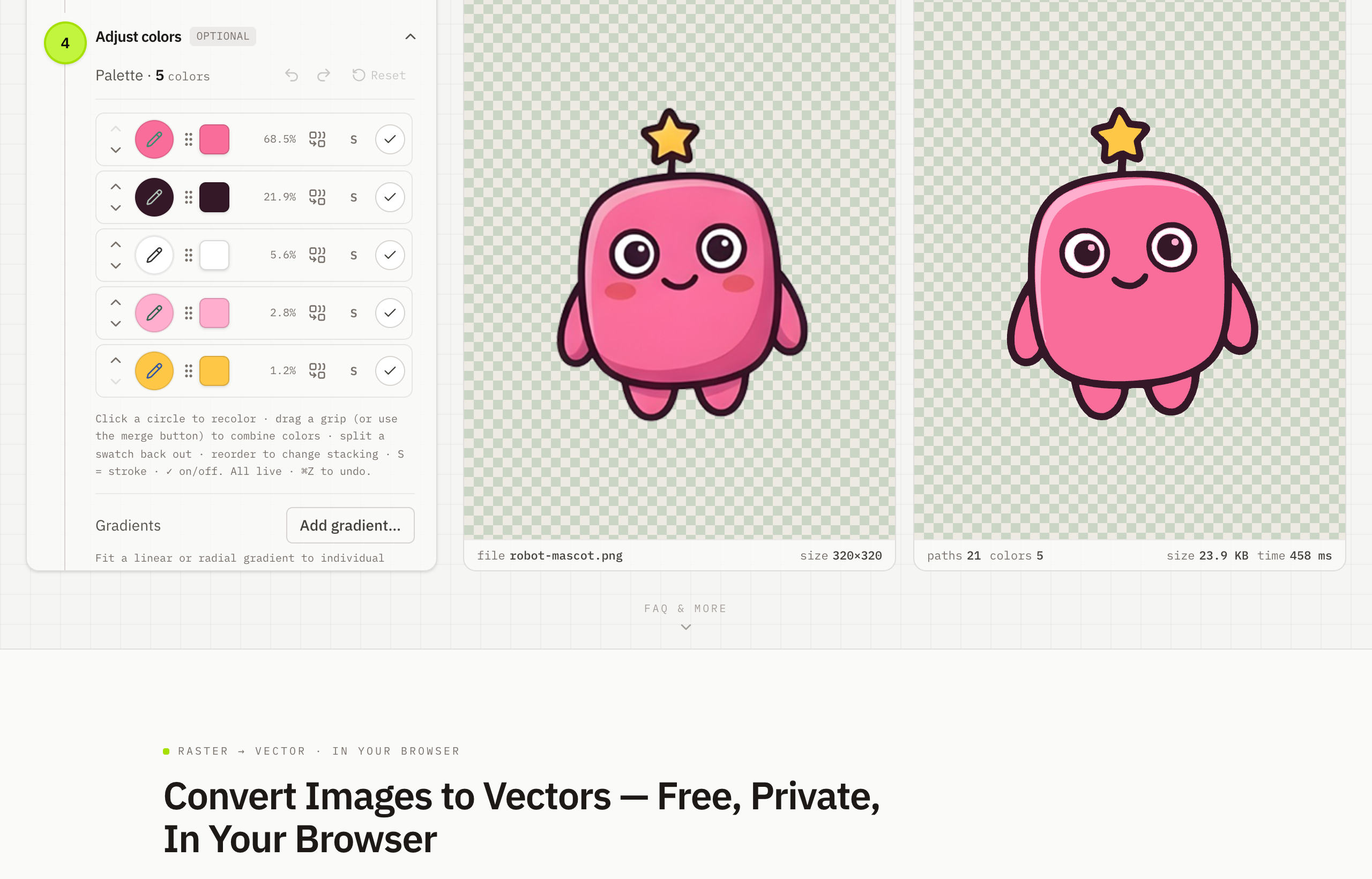
- Download a clean, scalable SVG for free.