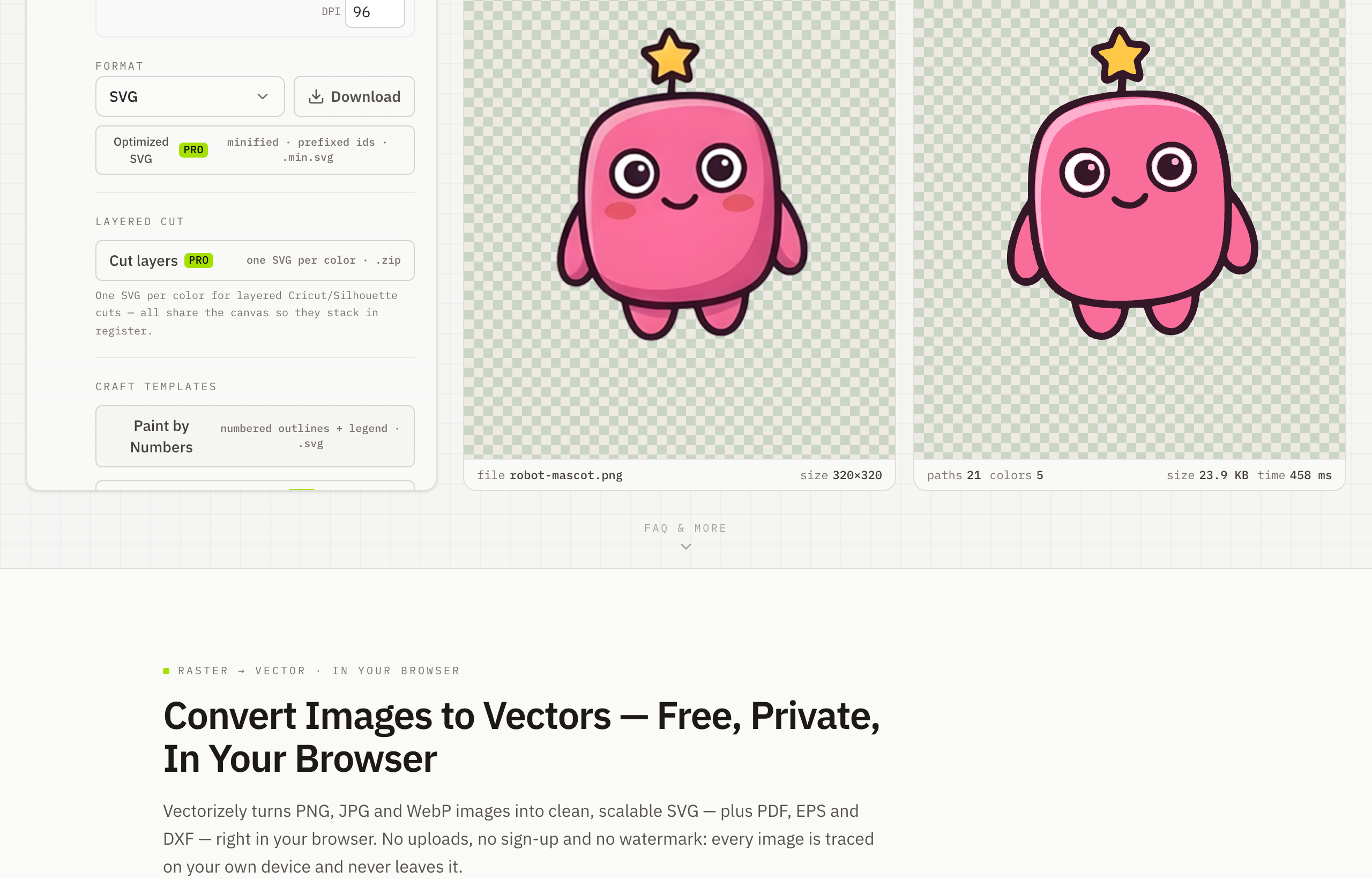
Convert JPG to SVG — Free, In Your Browser
To convert a JPG to SVG, upload your JPG or JPEG to Vectorizely and it traces the image into a sharp, scalable vector you can download for free — processed entirely in your browser.
Convert JPG and JPEG images to SVG for free. Turn photos, scans and logos into crisp, scalable vectors that stay sharp at any size.
- Upload a JPG and export a scalable SVG instantly — PDF, EPS and DXF with Pro.
- Runs entirely on your device — nothing leaves your browser.
- Reduce to a clean color palette for logo-style results.
- Free SVG export forever, with no watermark or account.
How to use Vectorizely
- Open Vectorizely in your browser — there's nothing to install.
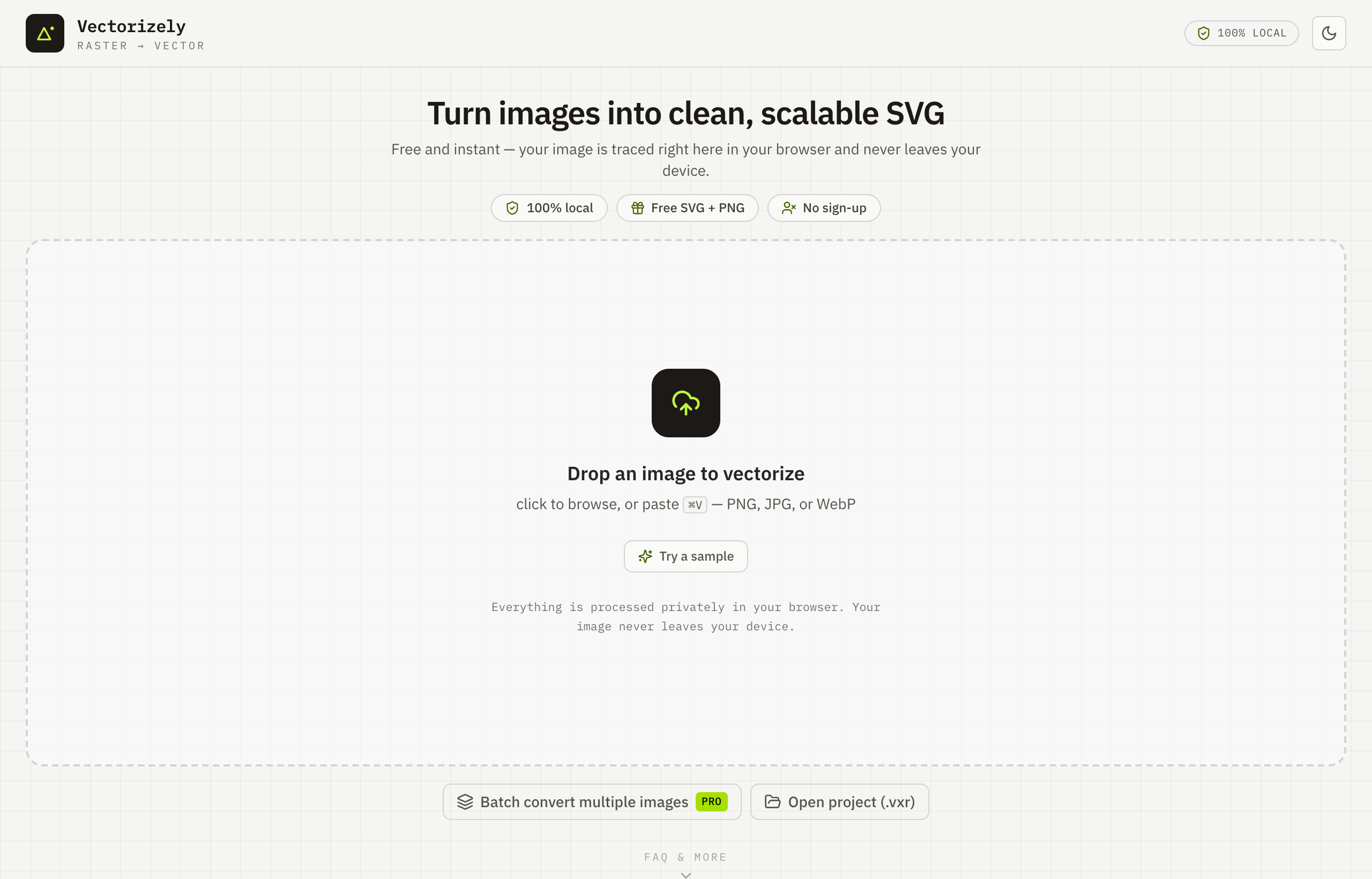
- Drop in your JPG or JPEG, or click to choose the file.
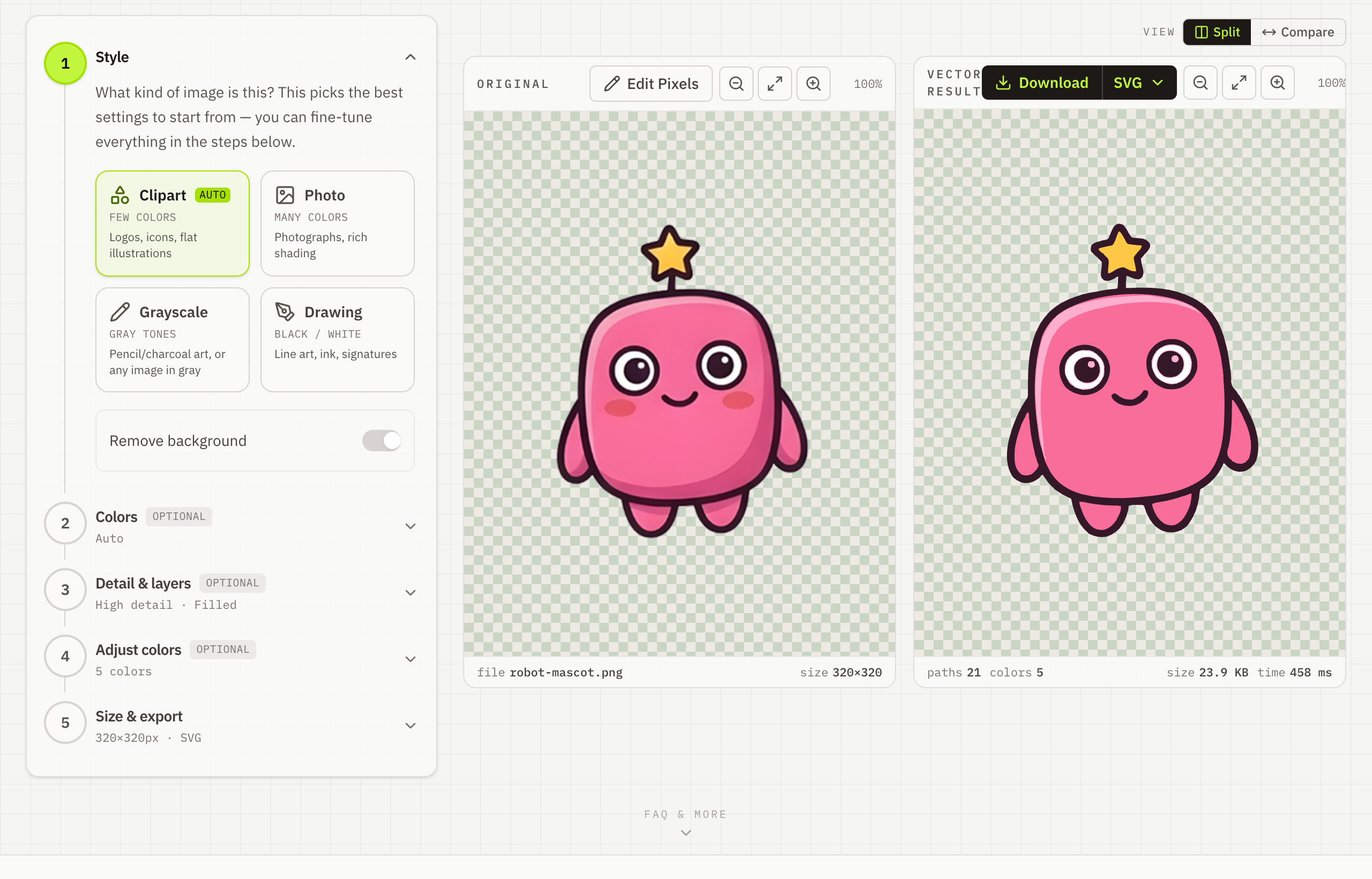
- Reduce to a clean color palette and set the detail you want.
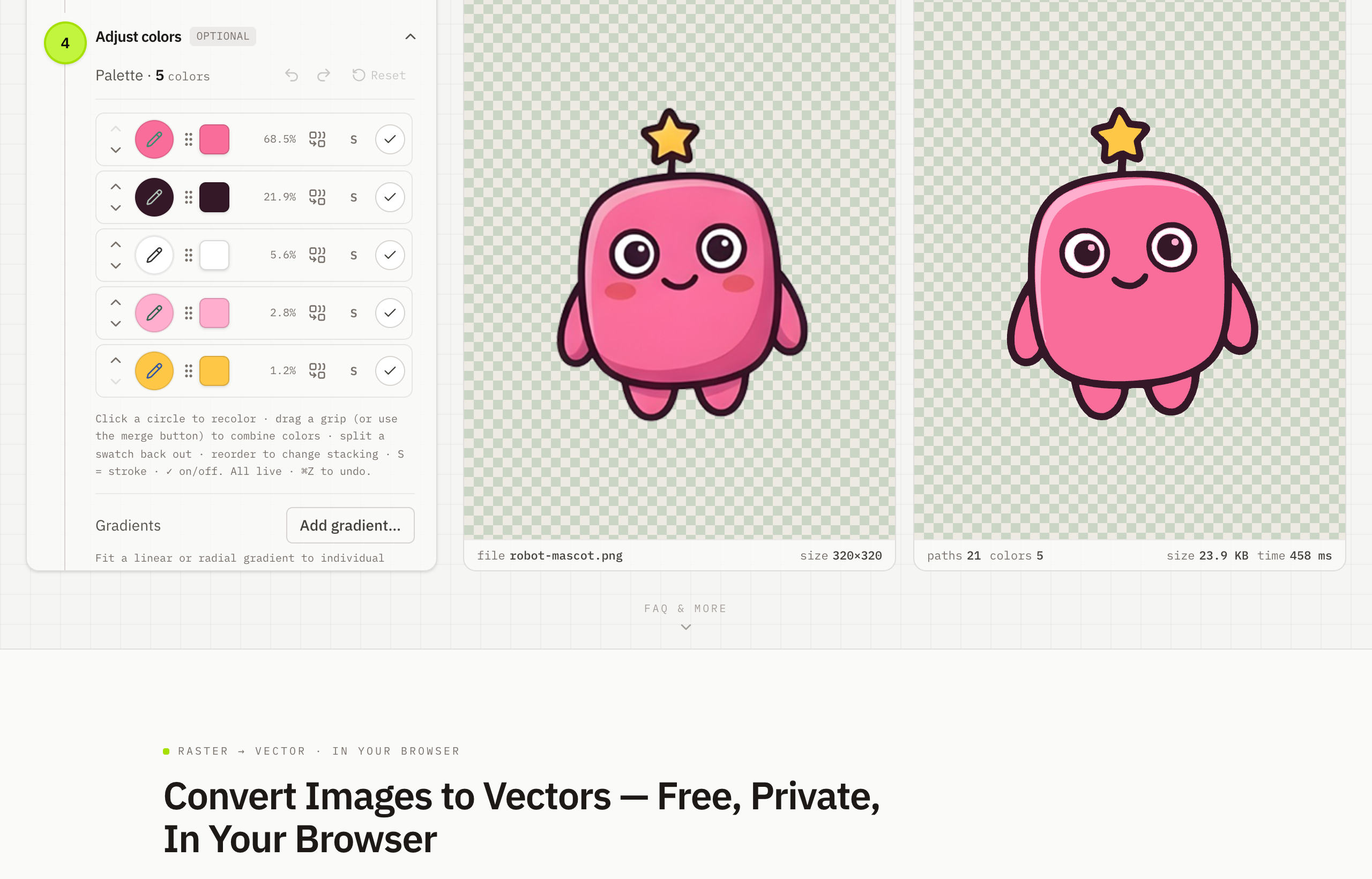
- Download your SVG for free — or export PDF, EPS or DXF with Pro.